Correct configuration
Before you start
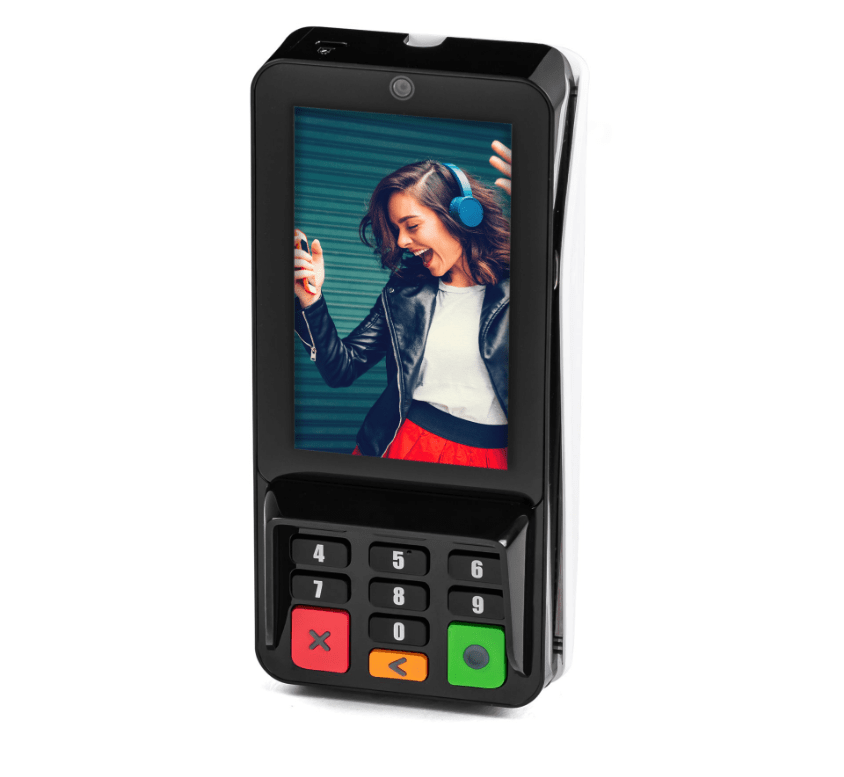
The A35 is normally operated from your POS system. Pin Vandaag uses PayStart or an agreed POS integration; names and screens in general CCV documentation may therefore differ.
- Check that the A35 is connected to power, network and the POS system with the supplied cable.
- Always start the amount to be paid from the connected POS system.
- Receipts are provided via the POS system or digitally; the A35 does not have its own printer.
Important: do not change the POS protocol, Terminal ID, network or PayStart settings without instructions from Pin Vandaag or your POS supplier.
Installation
Connecting and starting up
- Connect power and POS communication according to the supplied cable configuration.
- Only use Ethernet/LAN, RS232 or Wi-Fi if that connection has been set up for your POS integration.
- Wait until the terminal has fully started and shows that it is ready for a payment.
- Start a small test payment from the POS system.
- Check the result both on the A35 and in your POS system.
The Terminal ID, host connection and payment parameters are configured on delivery. When it is POS-integrated, an A35 should not ask for an amount on its own.
Payments
Daily use
- Start the sale and payment from your POS system.
- Check that the same amount appears on the A35.
- Let the customer insert the card or hold it contactless over the screen.
- If asked, the customer enters the PIN and confirms.
- Only complete the sale once both the terminal and the POS system show a final result.
The proof of payment comes from the POS system or is offered digitally. Do not repeat a payment just because a receipt is missing.
First aid
What can you check yourself?
- Check that the power and communication cables are firmly connected at both ends.
- Check that the POS system is online and the payment module is active.
- Compare the amount and result on the POS system and the terminal.
- Write down any error code and only restart when no transaction is active any more.
Uncertain transaction result? Do not repeat the payment straight away. First check the transaction overview and write down the amount, time and error message.
Reliable use
Safety and maintenance
- Never unplug the power supply while the terminal shows “please wait” or a payment.
- Do not open the housing; doing so may erase security data.
- Check the security seal regularly and report any damage immediately.
- Do not use damaged or non-approved power supplies and cables.
Clean the housing with a soft, slightly damp cloth. Do not use aggressive cleaning agents and prevent moisture from entering card readers, connectors or ventilation openings.
Source and further reading
Official documentation
This page is a practical summary by Pin Vandaag. The official PDF manuals are also stored locally on this website, so you can open them directly. For technical installation, connections and model-specific safety instructions, always use the manufacturer's documentation.