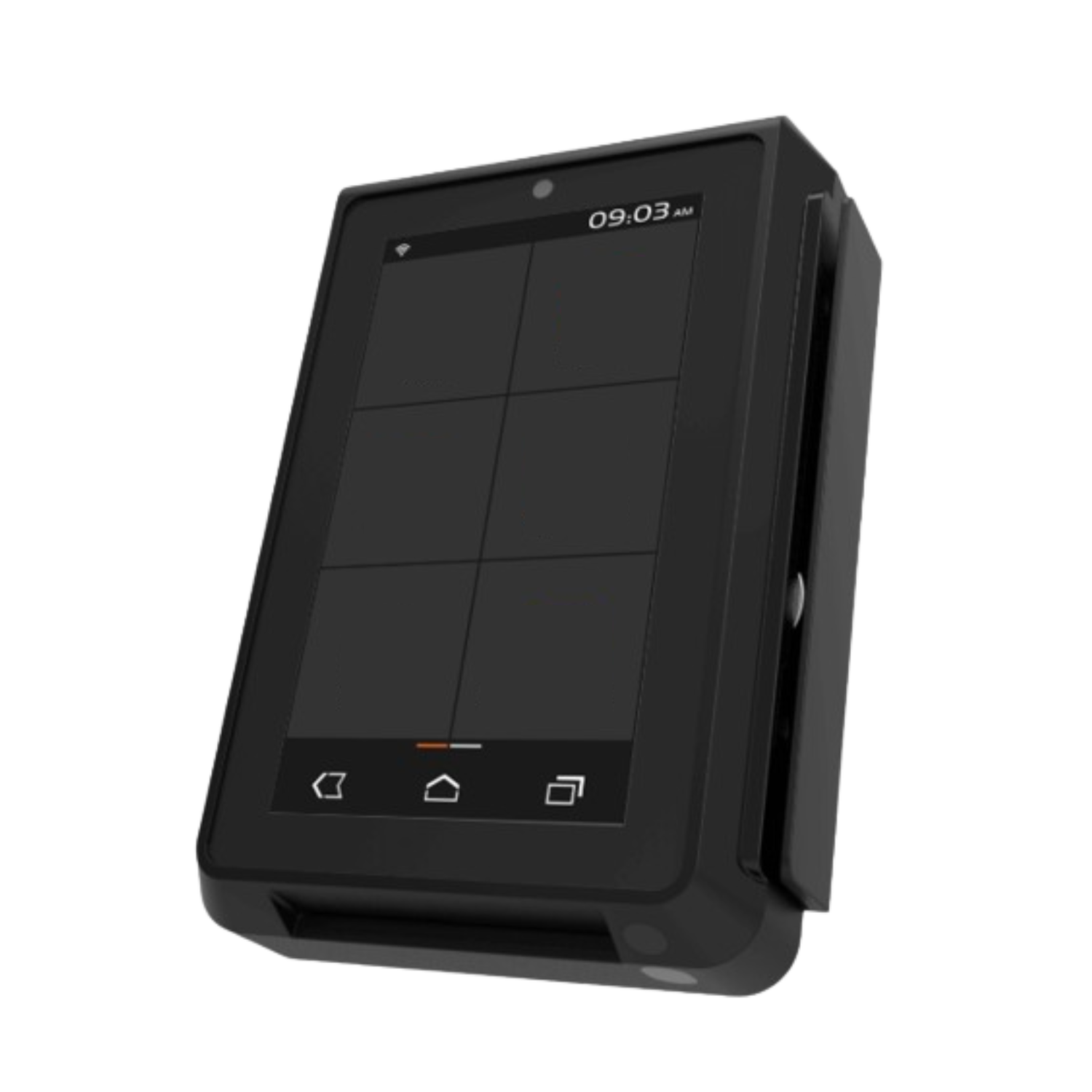
Before you start
The IM30 is built into a vending or self-service machine. Mounting, power supply, communication and activation are the responsibility of an authorised integrator; day-to-day users do not need to open a service menu.
- Make sure the machine is disconnected from the power supply before any mounting or cabling takes place.
- Use the correct cut-out, seal and fixing materials for the machine.
- Agree the protocol, network and power supply in advance with Pin Vandaag and the machine supplier.
Connecting and starting up
- Check the dimensions, mounting surface and seal in accordance with the official manual.
- Mount the IM30 securely and make sure the card and contactless areas remain easily accessible.
- Connect communication and power while the machine is disconnected from the power supply.
- Switch on the machine and wait until the terminal and payment app have started.
- Carry out test payments for contactless and, if activated, chip and PIN.
Daily use
- The customer selects a product or service on the machine.
- The machine sends the amount to the IM30.
- The customer pays by following the instructions on the screen.
- The machine only dispenses after a confirmed payment.
- Periodically check transactions and error messages in your management environment.
With unattended payments, the IM30 normally does not print a paper receipt. Set up a digital or machine-based receipt solution if your application requires one.
What can you check yourself?
- Check that the machine and terminal are receiving power.
- Check network coverage and communication with the vending controller.
- Check that the amount from the machine matches the terminal screen.
- Inspect the exterior, seal and card slots for damage or foreign objects.
Safety and maintenance
- Disconnect the entire machine from the power supply before mounting or cabling work.
- Do not open the secured terminal housing and do not break any seals.
- Protect connectors and cables against moisture, strain and sharp edges.
- Have a damaged or tampered terminal taken out of service immediately.
Clean the housing with a soft, slightly damp cloth. Do not use aggressive cleaning agents and prevent moisture from entering card readers, connectors or ventilation openings.
Official documentation
This page is a practical summary by Pin Vandaag. The official PDF manuals are also stored locally on this website, so you can open them directly. For technical installation, connections and model-specific safety instructions, always use the manufacturer's documentation.