What do you need?
Before applying, make sure you can log in to your ING business environment and have the details below to hand.
- The ING business account on which you want to receive the payouts.
- The number of payment terminals you want to register.
- For each terminal, the payment terminal code and the check number you receive from Pin Vandaag or the terminal supplier.
- The company name that customers may see on their bank statement, the location of use and a description of your activities.
- Name, mobile number and e-mail address of the contact person.
- Your choice regarding credit card acceptance and a preferred activation date.
Open the official ING application
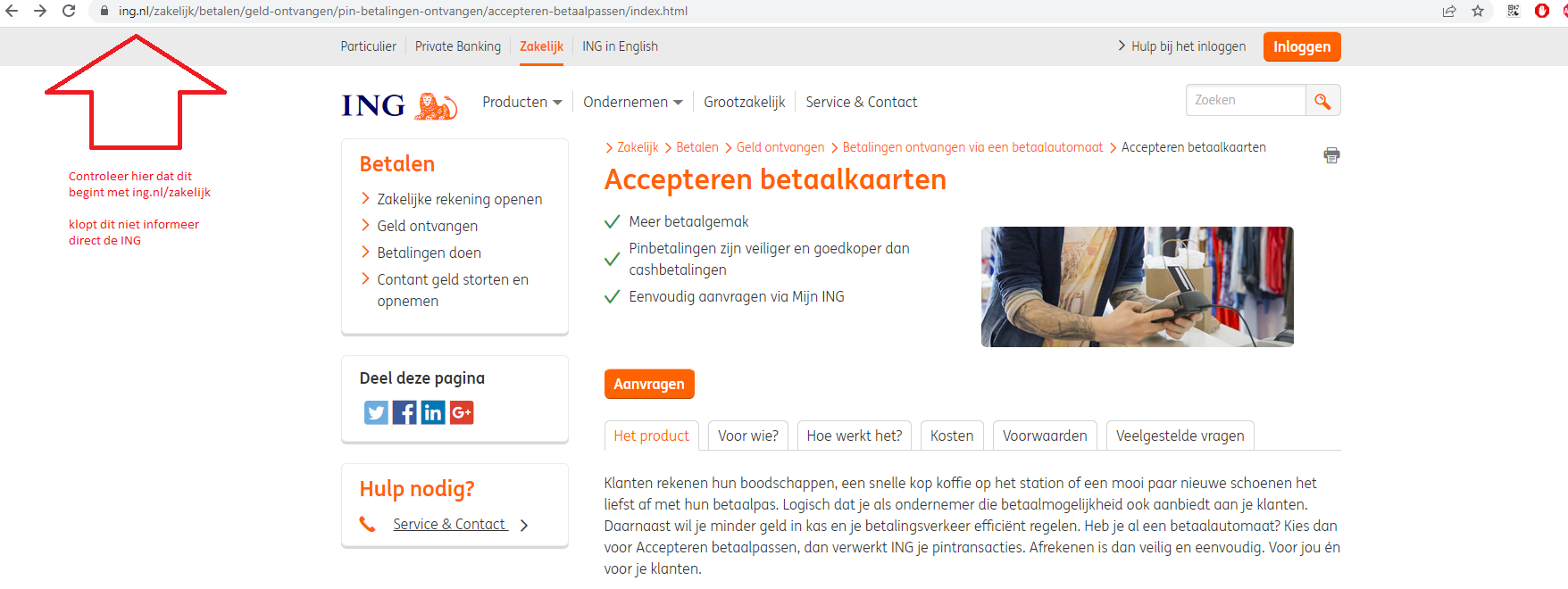
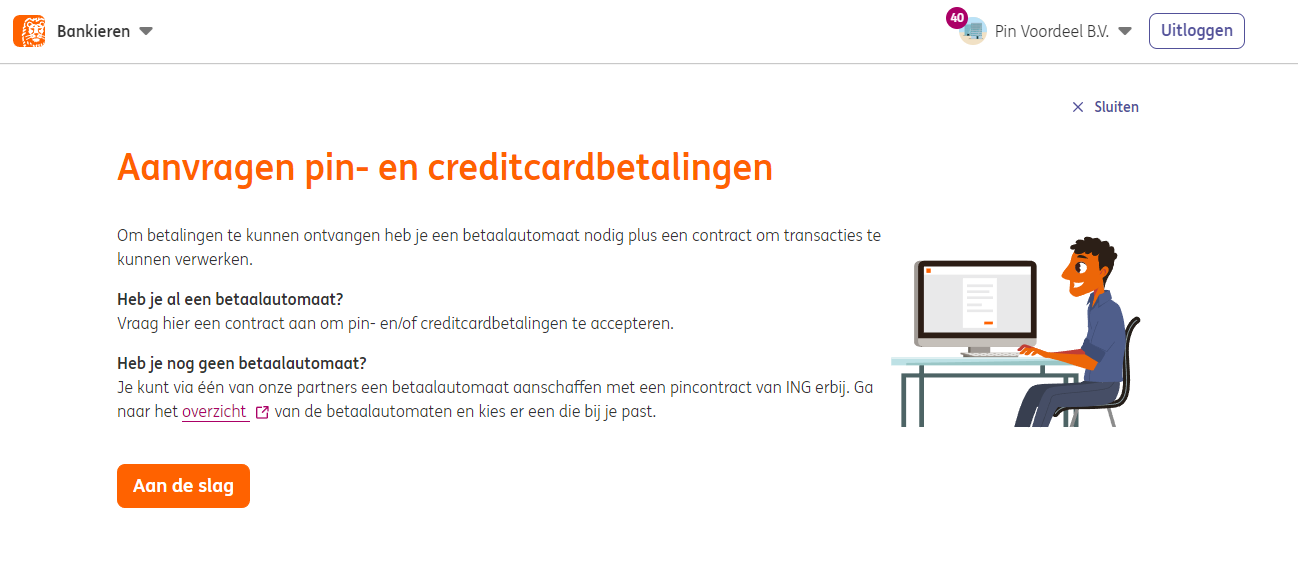
Go to ING's page for accepting payment cards, log in to your business environment and choose the application for debit and credit card payments.
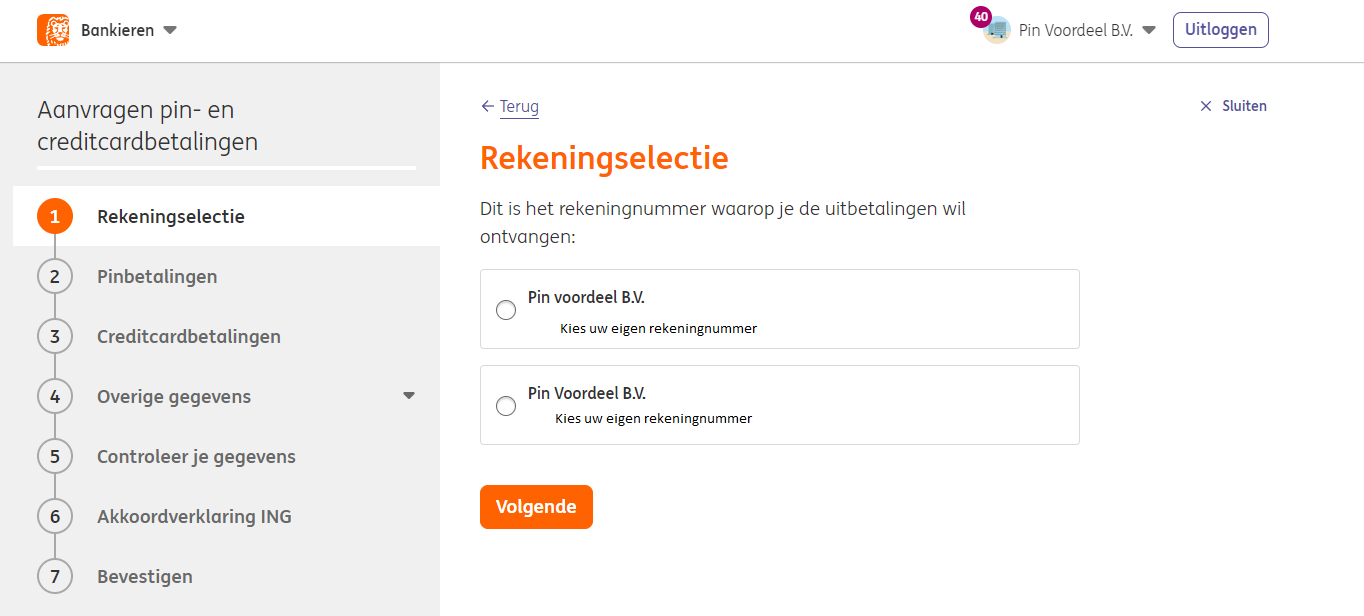
Select the account for payouts
Choose the business account to which ING should pay out the proceeds of the accepted payments. Check the account name and IBAN carefully before continuing.
Register your payment terminals
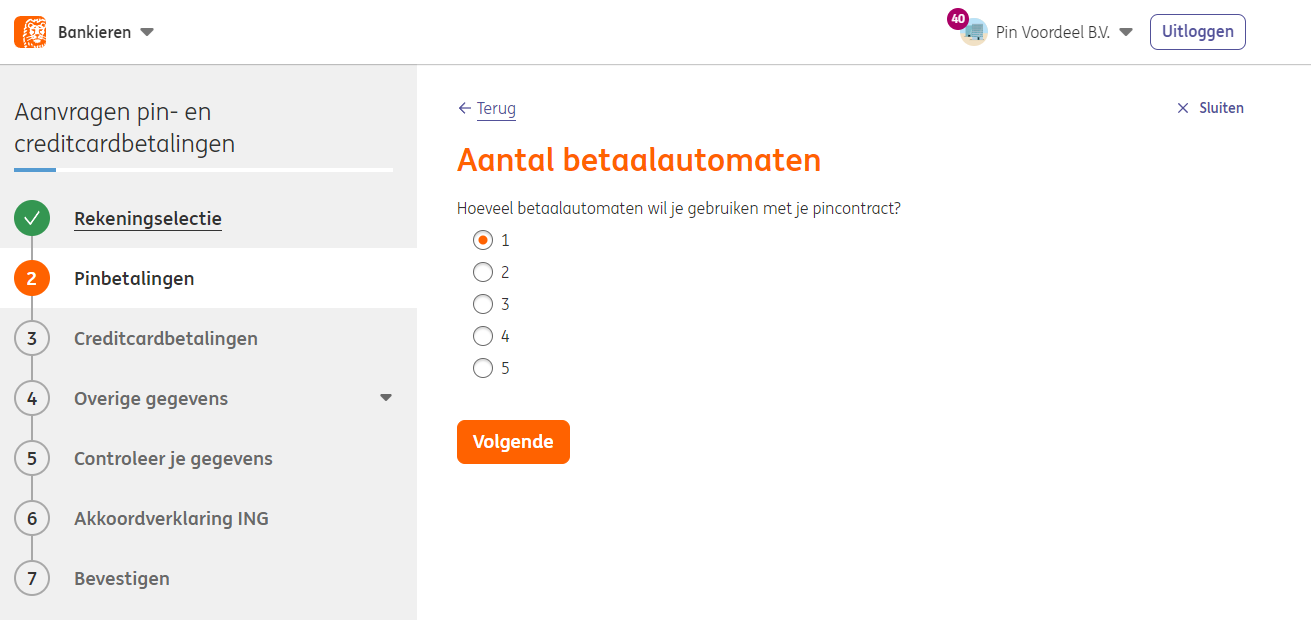
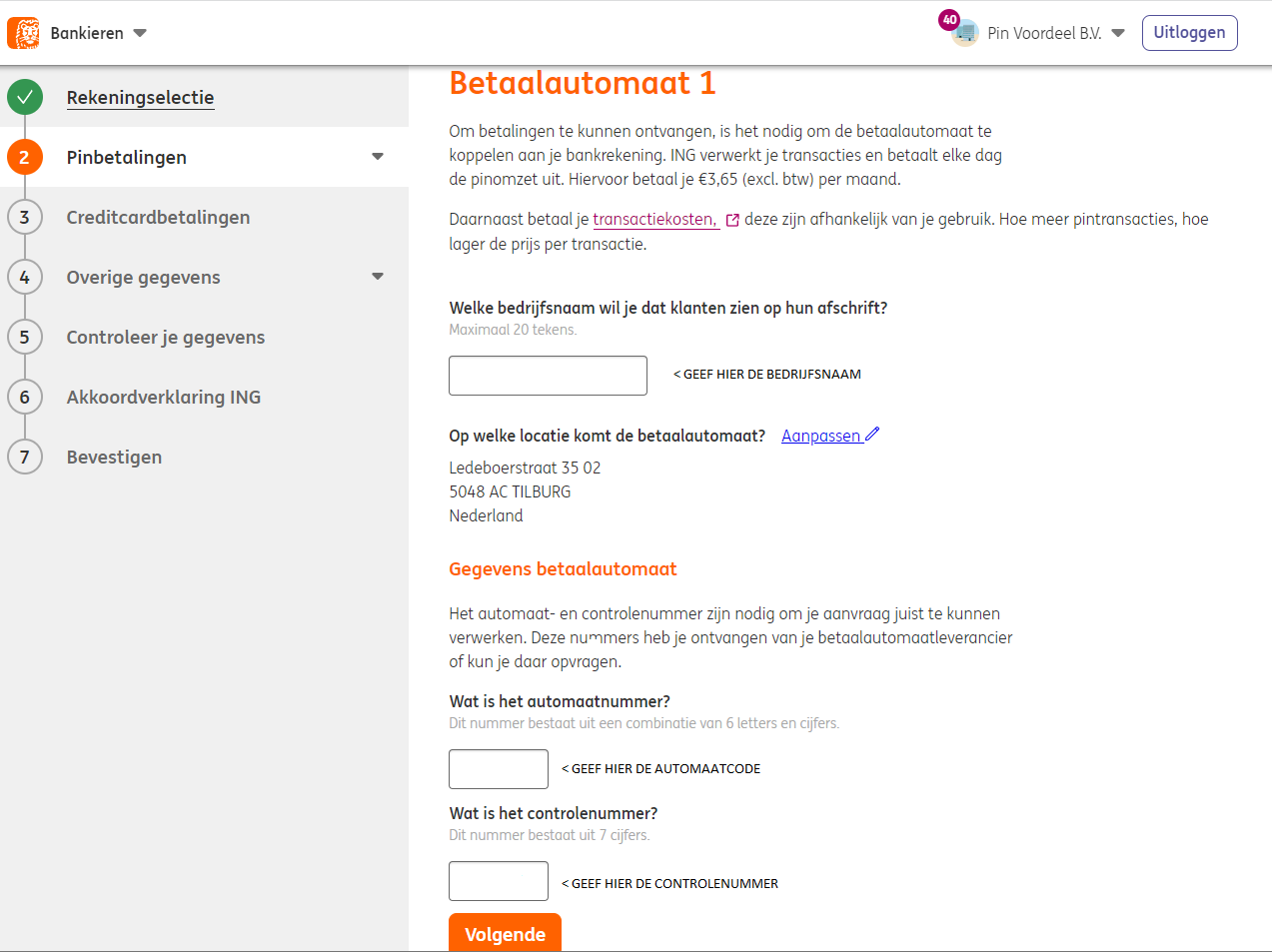
First indicate how many payment terminals you want to use with the debit card contract. Then enter, for each terminal, the codes provided by Pin Vandaag or your terminal supplier.
- Choose the correct number of payment terminals. Each terminal must be included separately.
- Enter the company name you want shown on the bank statement. Take into account the maximum length that ING shows in the form.
- Check the location where the payment terminal is used.
- Copy the payment terminal code and the check number exactly; do not swap the two codes.
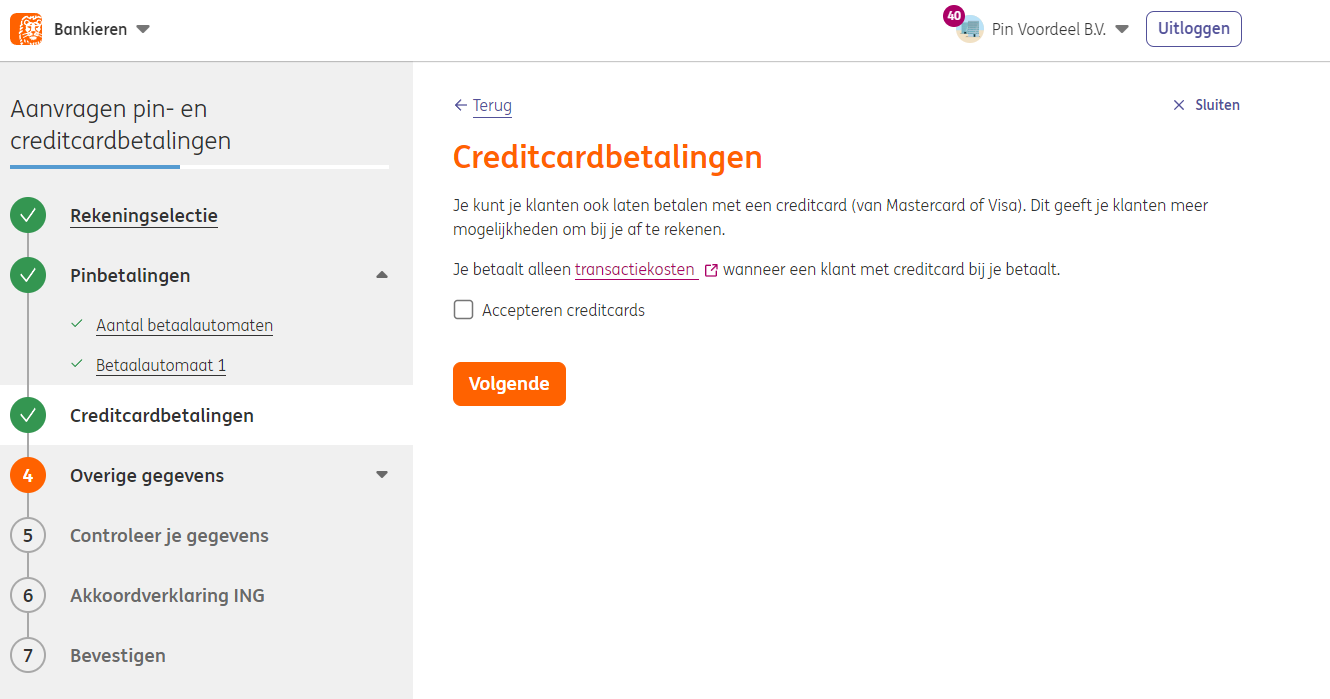
Choose whether you want to accept credit cards
Credit card acceptance is optional. Only select this option if you want to accept Mastercard and Visa credit cards, among others, and have reviewed the associated terms and rates.
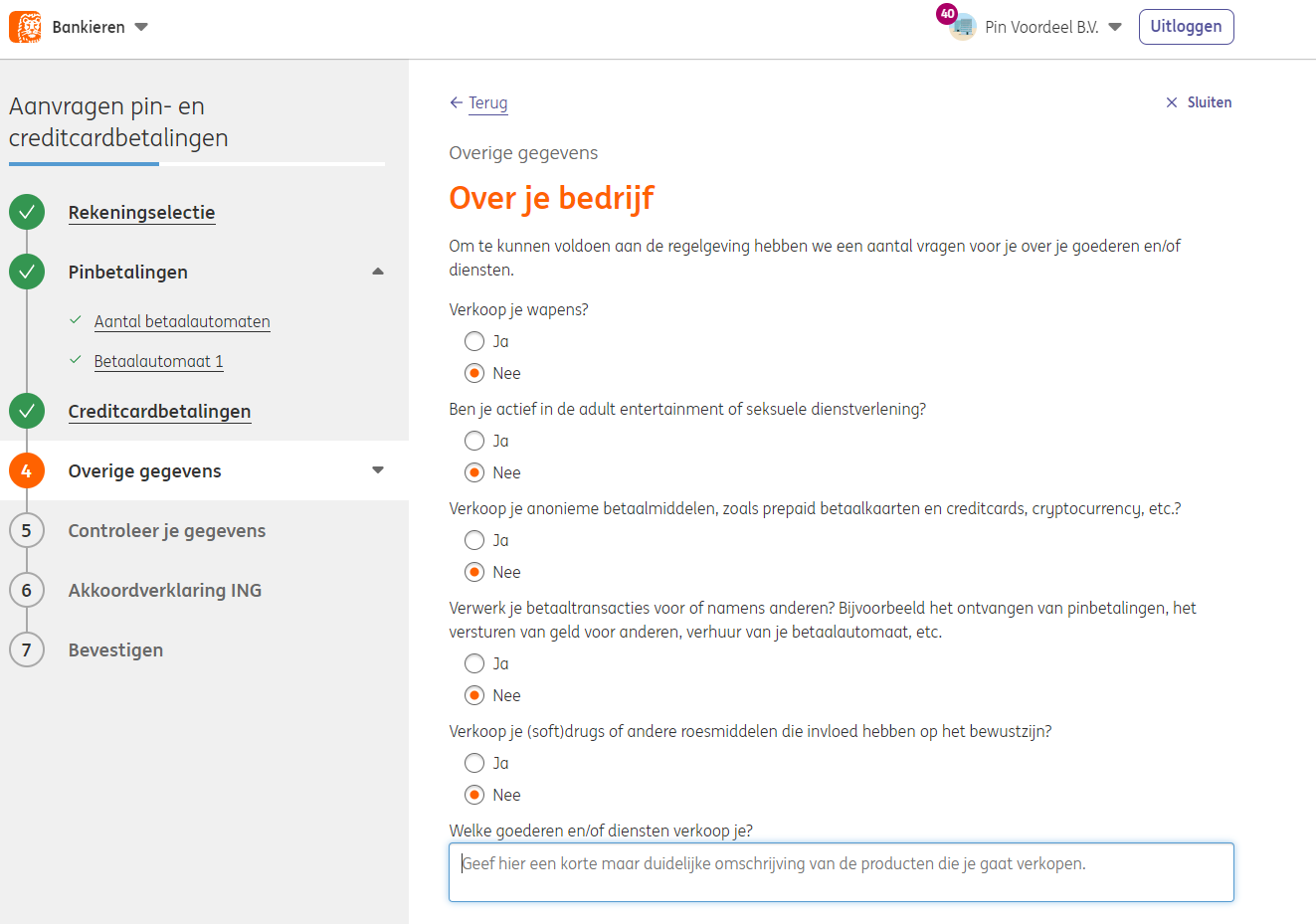
Describe your business fully and honestly
ING uses the answers to assess your business and the expected payment traffic. Therefore answer all sector and risk questions truthfully and clearly describe which goods or services you sell.
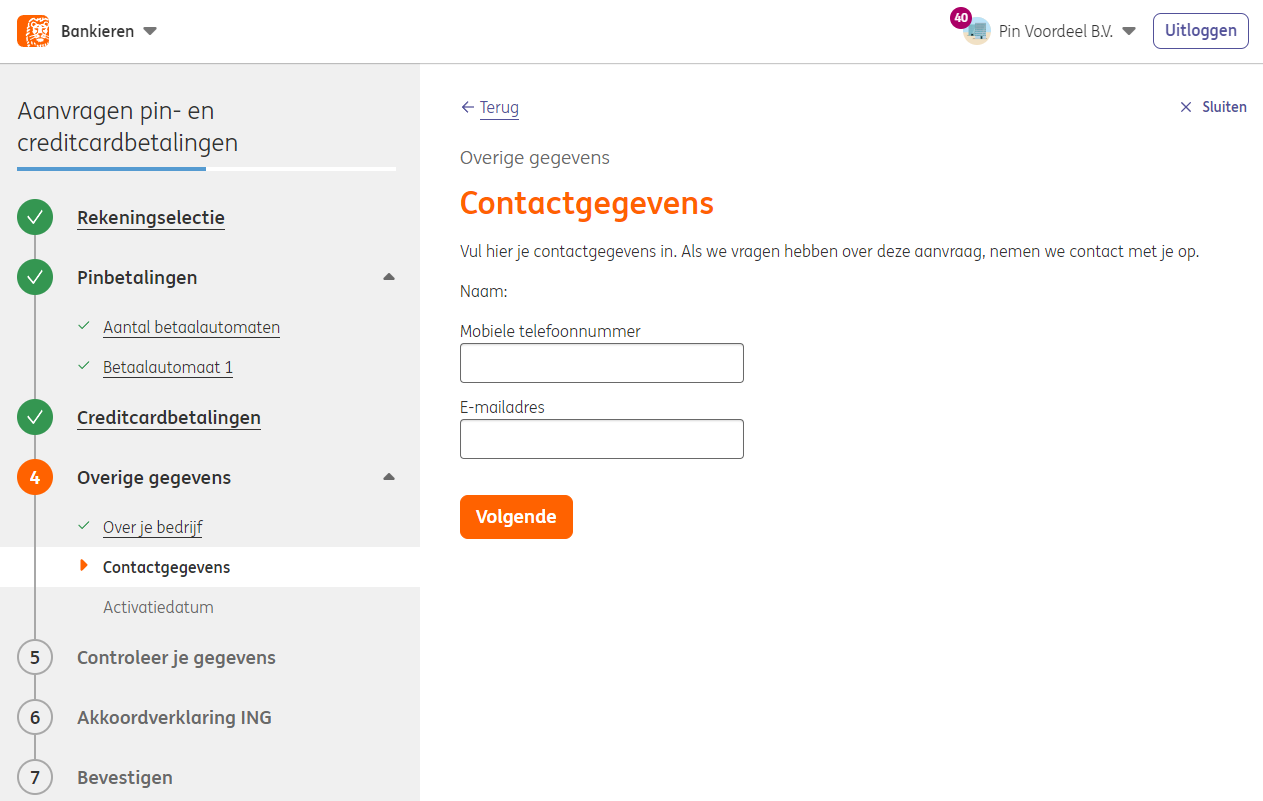
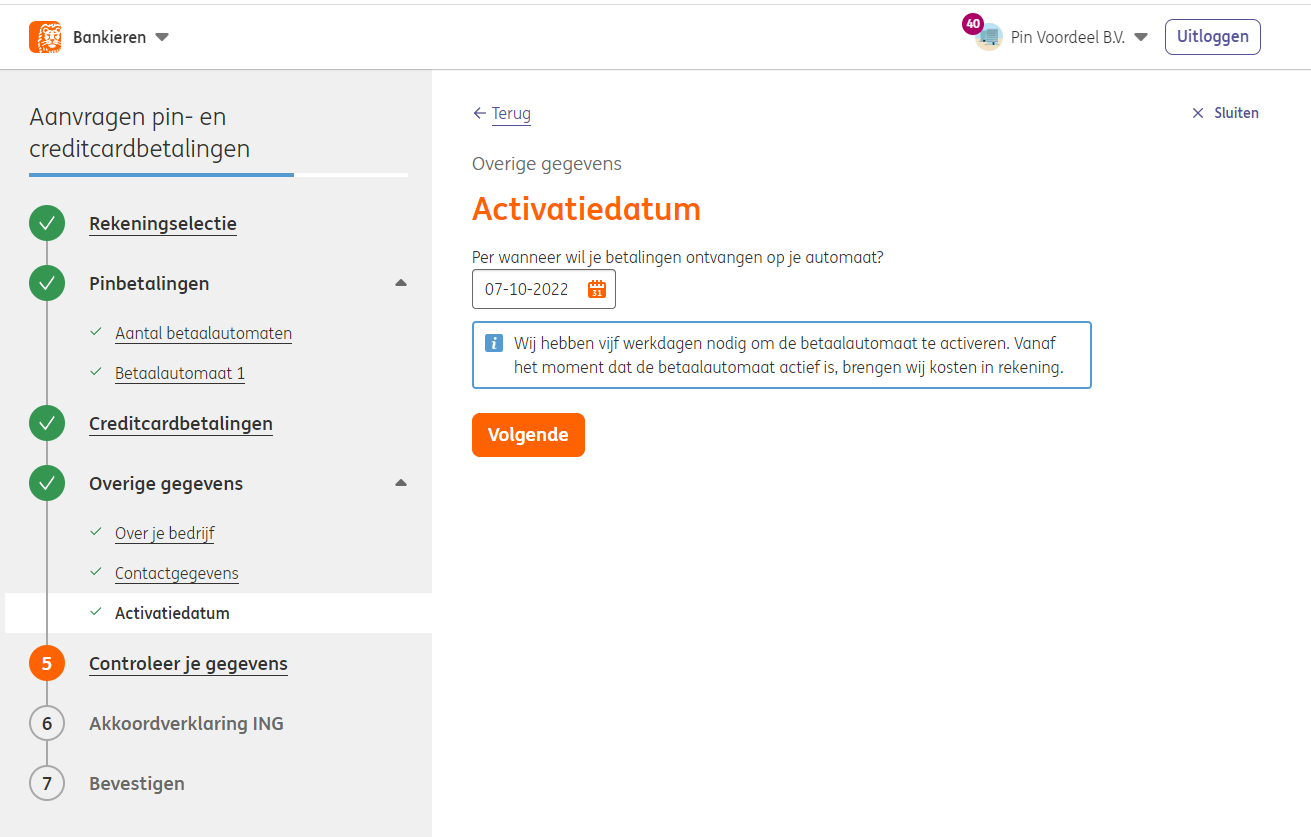
Enter contact details and activation date
Provide a contact person who can answer questions about the application. Then choose the preferred start date. ING shows the current processing time during the application, so do not plan the date too tightly.
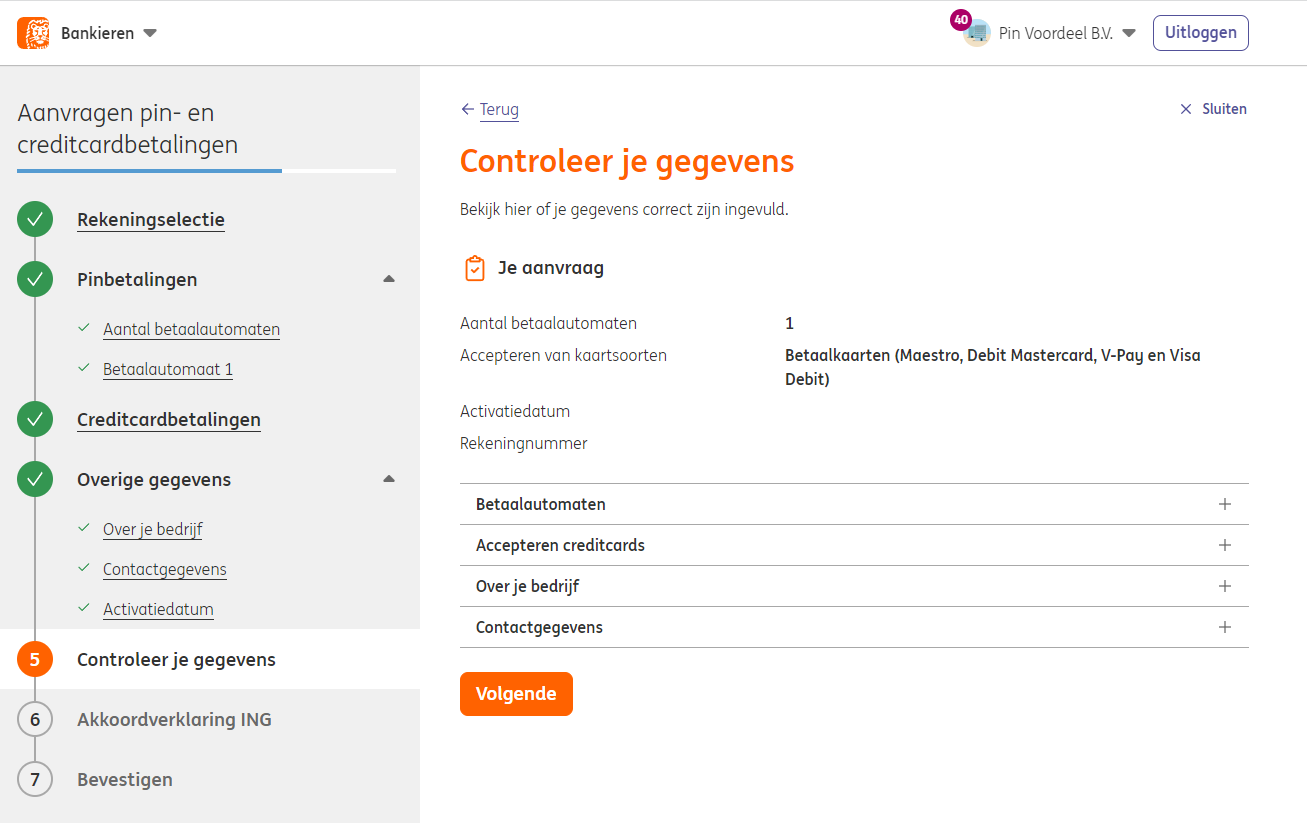
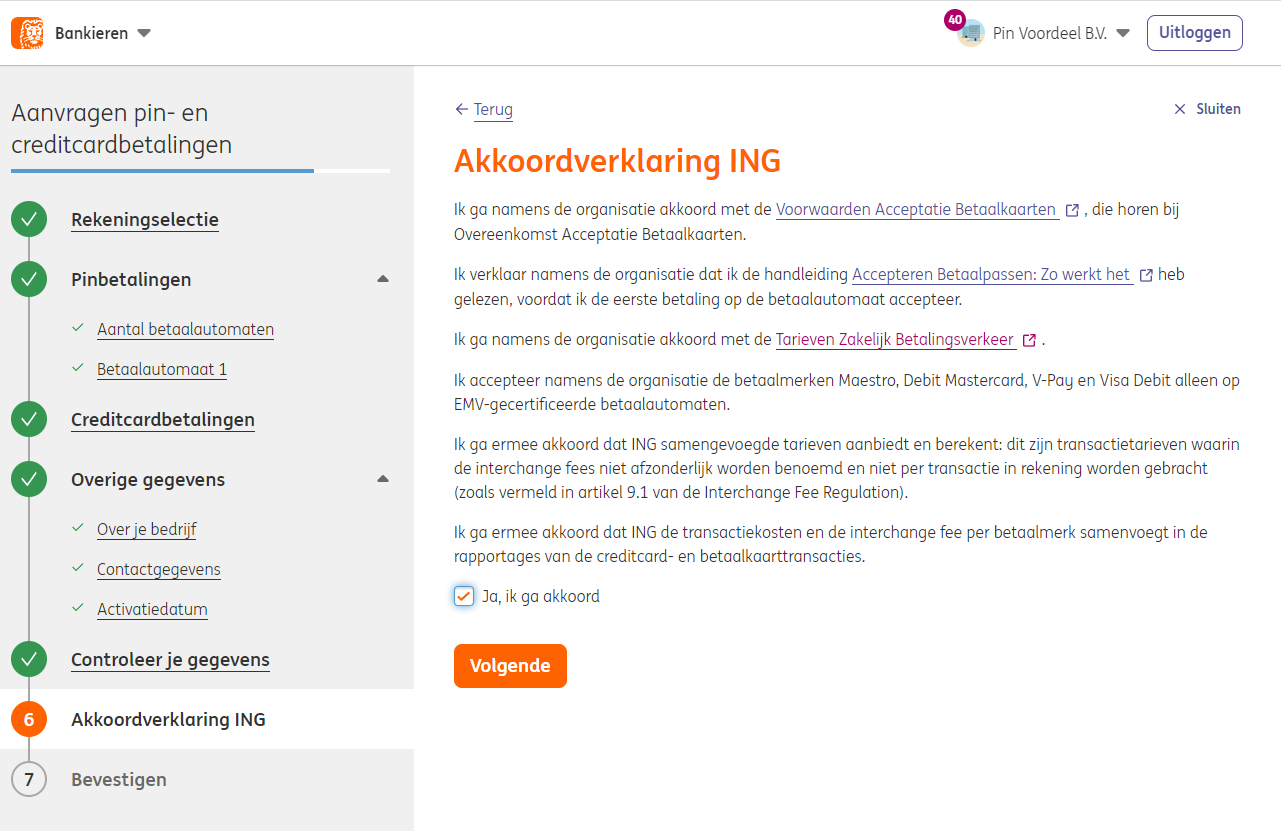
Review the application and read the terms
Open each section of the overview and check the account, card types, terminal codes, company details and contact details. Then read the terms and rate information before you agree.
- In particular, check the number of terminals and all terminal codes.
- Check whether credit card acceptance has or has not been selected as intended.
- Check the preferred activation date and the payout account.
- Keep the terms and rate information with your records.
Sign in the ING app and keep the confirmation
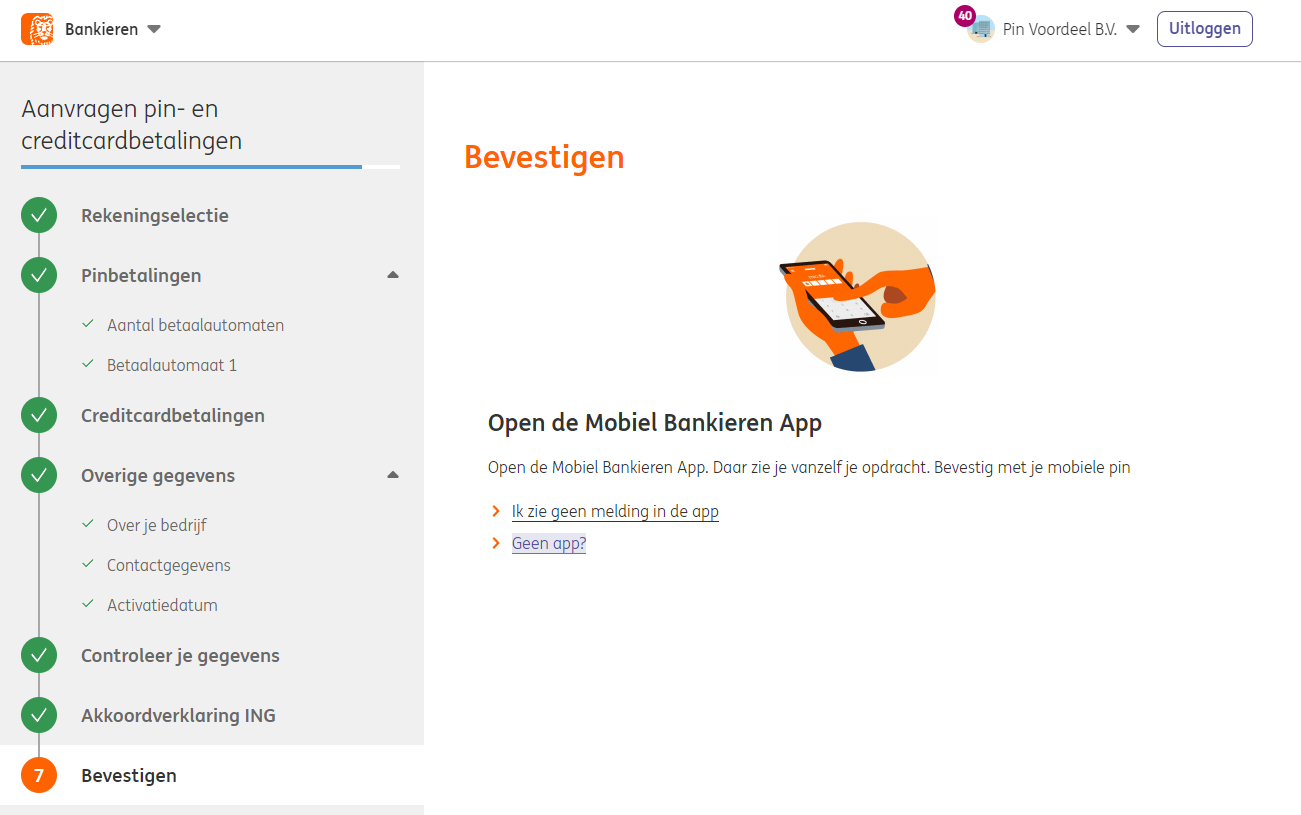
- Open the official ING Mobiel Bankieren app when the application process asks you to.
- Check the order in the app and confirm it yourself with your mobile PIN or the secure method offered.
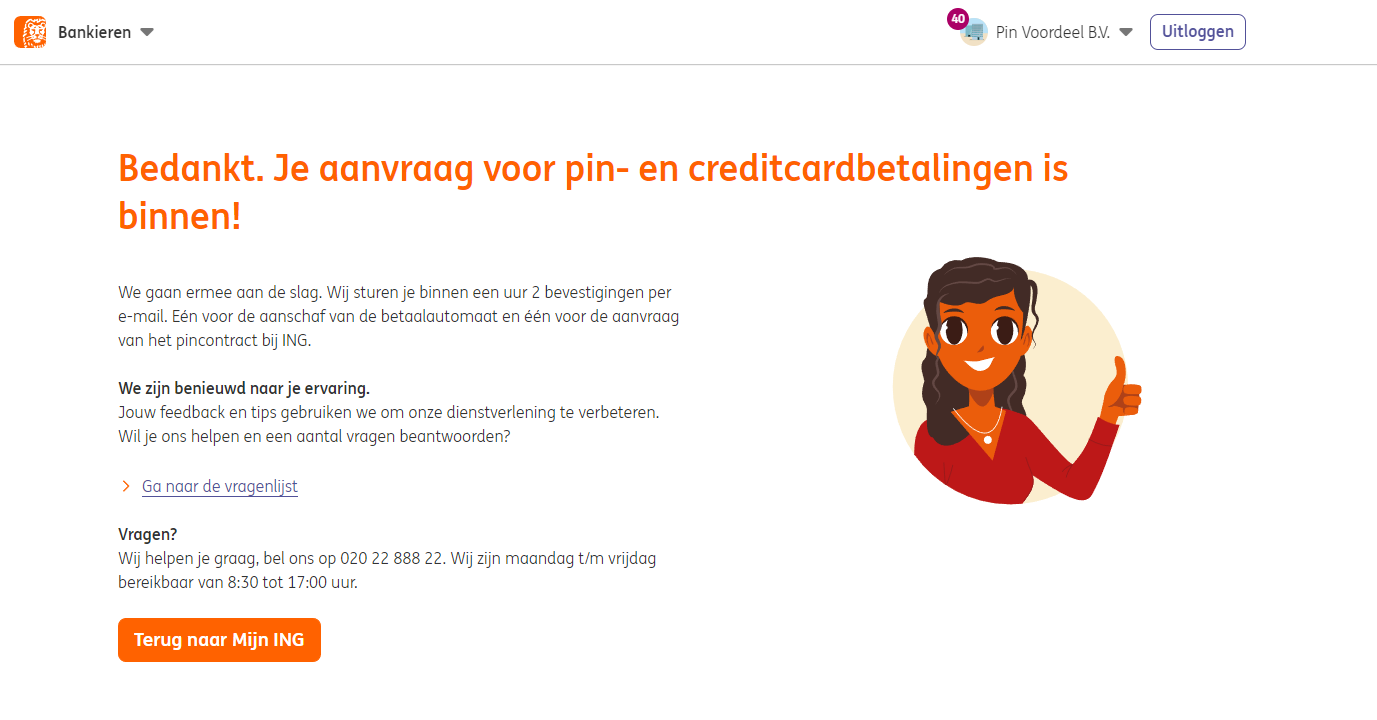
- Return to the application and wait for confirmation that it has been submitted.
- Keep the e-mail confirmation and the application overview for your records.